This post may contain affiliate links. See my disclosure policy for more details.
Sponsored by xTool
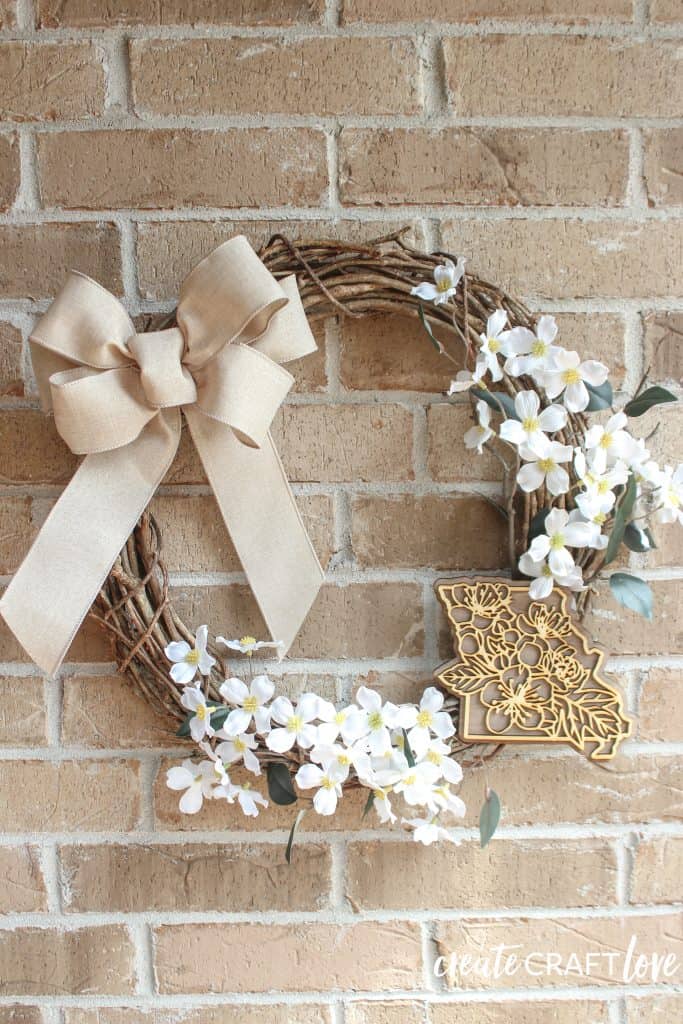
This State Flower Spring Wreath is a gorgeous nod to fresh beginnings in your home state!
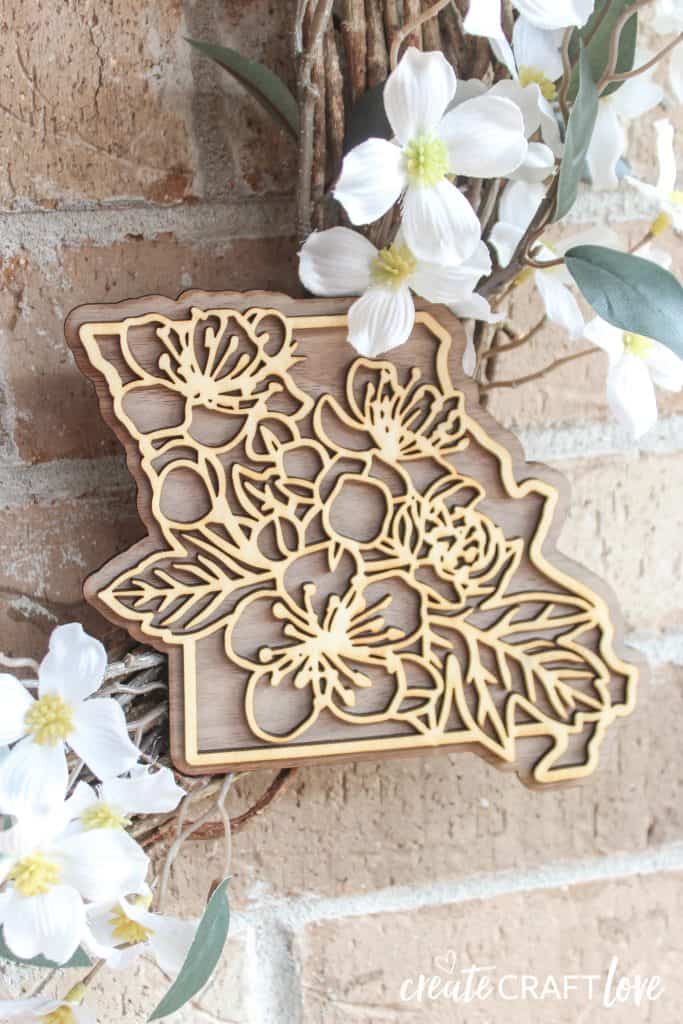
Missouri’s state flower is the white hawthorn and the state tree is the dogwood. I found a shop on Etsy called Owly Kat Originals that makes these state flower cut files. They are stunning! So when I first started playing with the xTool M1, I knew I wanted to cut the Missouri one.
This post contains affiliate links for your convenience.
Materials needed for State Flower Spring Wreath
- xTool M1 10W
- State Flower cut file
- 3mm basswood
- 3mm walnut
- Wood glue
- Clamps
- Grapevine wreath
- Silk flowers
- Hot glue/hot glue gun
- Ribbon
First thing we are going to do is open xTool Creative Space. Turn on your xTool M1. Place the triangle prisms on the base plate and add the 3mm walnut on top of the prisms. Center the wood to the laser. Close the lid so your material uploads into the software.
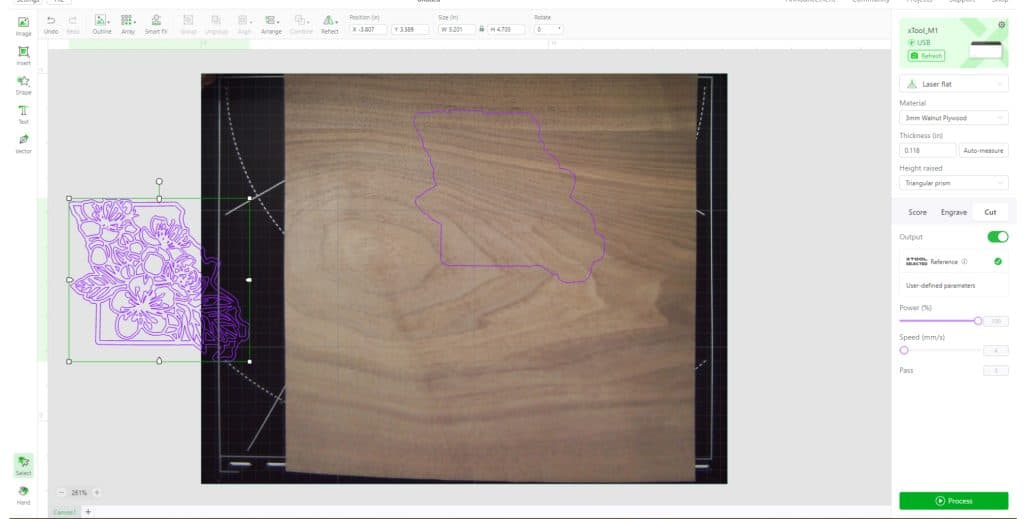
Open the state flower image. For the walnut layer, we are working with the background image on top. Isolate the intricate floral cut and move it off the canvas. Set your material to 3mm walnut, height raised to triangle prism. Be sure to select “cut”. Click process to send the image to the xTool. Press start and the button on the front of the machine.
Once the background is cut, it’s time to work with the intricate floral layer. Set aside the walnut background. For the floral cut, I chose to use 3mm basswood for contrast. Place your basswood on the triangle prisms and close the lid to send the real time camera image to your software.
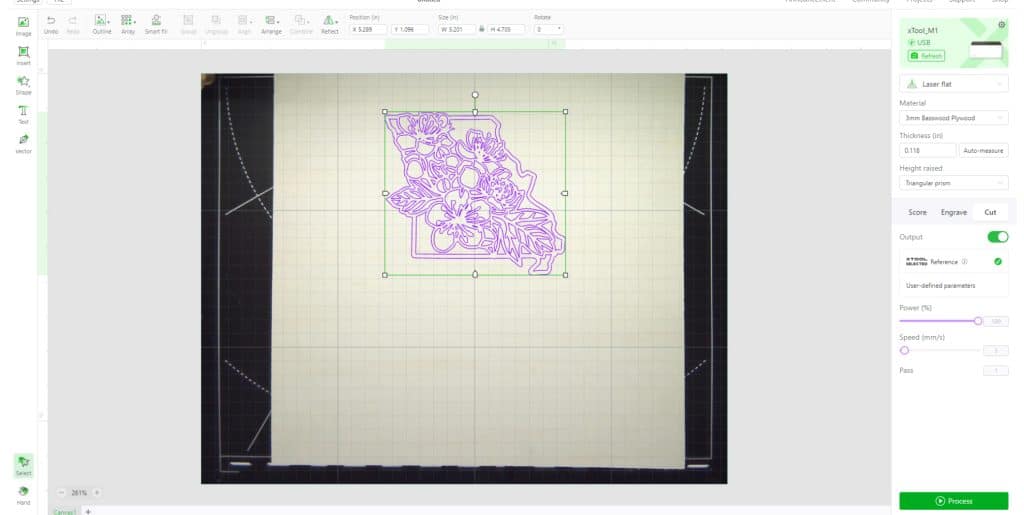
Delete the background image and move your floral image to the real time canvas view. Change the material to 3mm basswood. The rest of the settings will remain the same. Follow the above steps to send image to xTool for cutting.
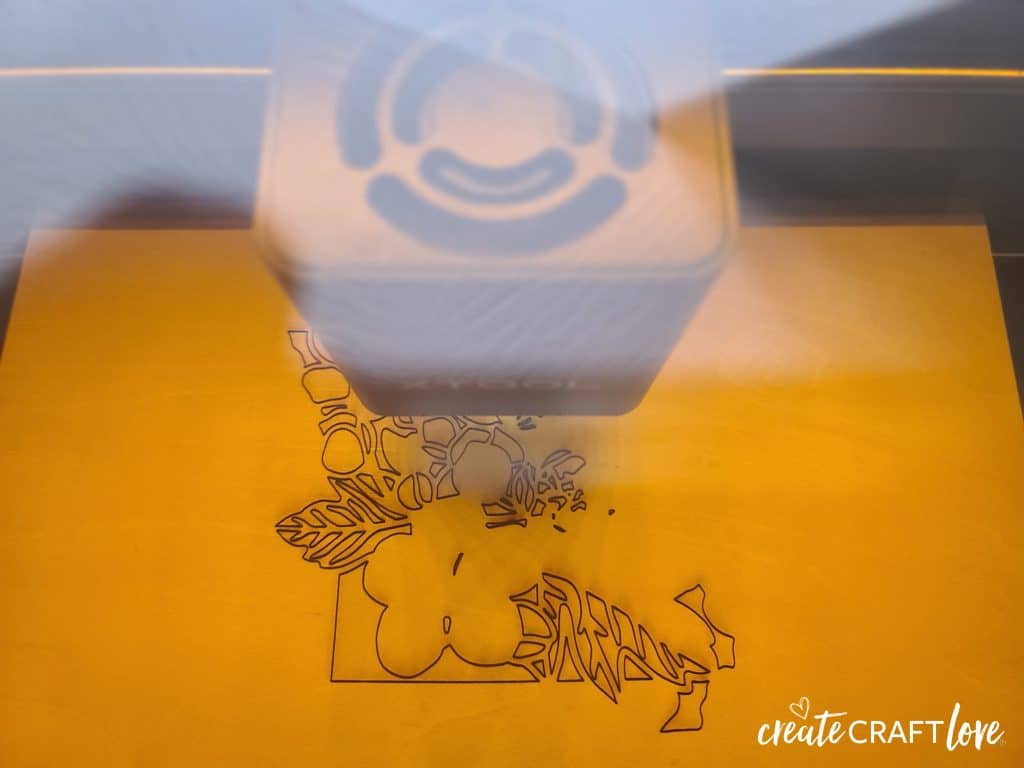
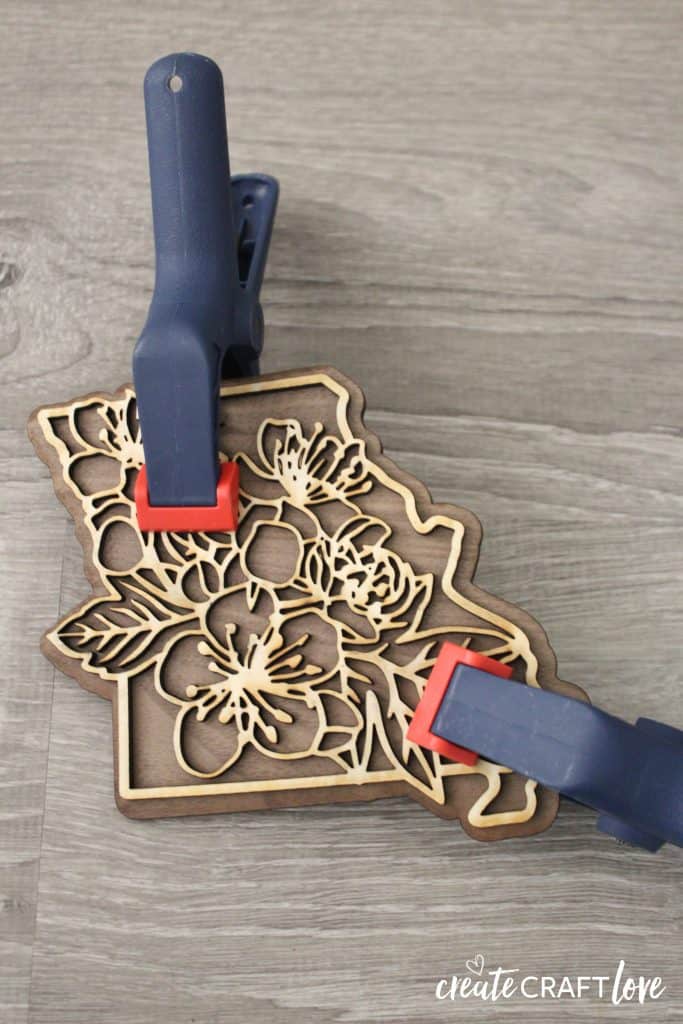
Once the cutting is complete, gently pop out any negative space. Brush a light layer of wood glue to the back of the floral cut and place directly in the center and on top of the walnut background. Clamp and allow to dry.
Assembling Your Wreath
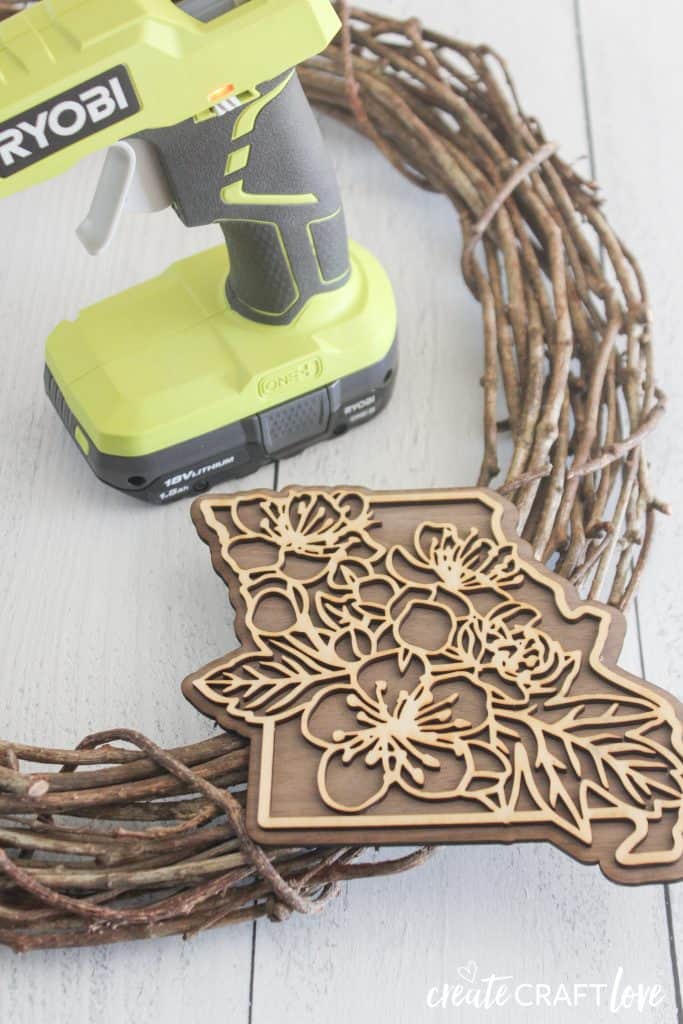
Hot glue the finished state flower wood piece to your grapevine wreath.
Now we are going to add our silk flowers. I couldn’t find any white hawthorn blossoms at the craft store so I bought dogwood since it’s our state tree and the blossoms are pretty similar.
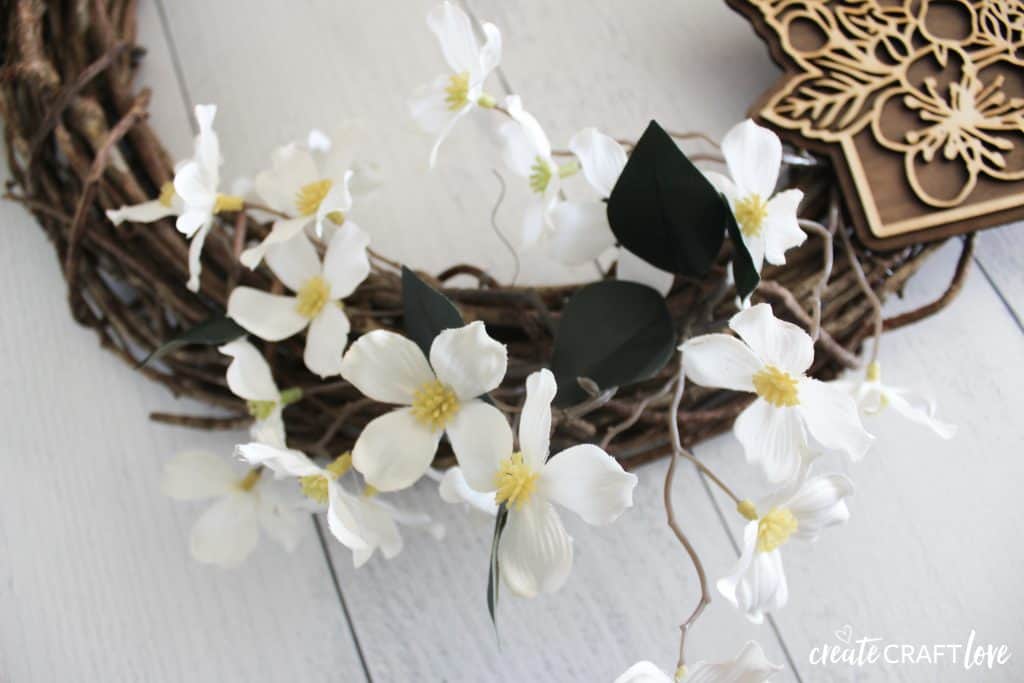
Start arranging and gluing the stems into place. Once you have that arranged as you would like, add your bow.
I am in love with how this State Flower Spring Wreath turned out! It’s so unique and simple in its design. Spring wreaths are my favorite!